Images for Web Projects Directly from MCP
With enabled OpenAI provider, SindByte can generate image assets and process them, so agents can build complete websites.
1.
CUTools::GenerateImage generates the source image from prompt.2.
CUTools::PictureEdit adjusts style, details, or variants.3.
CUTools::PictureResize delivers web sizes (hero, card, thumb).4.
CUTools::PictureConvert creates PNG/WEBP/ICO for deployment.The agent can automatically use this pipeline when the tool is enabled and registered in the settings.

Example Pipeline (without UI clicks)
1) GenerateImage(prompt="friendly djinn helper icon", target="file", file_path="assets/img/djinn.png")
2) PictureEdit(source="file", file_path="assets/img/djinn.png", prompt="make it flatter and icon-like")
3) PictureResize(source="file", file_path="assets/img/djinn_edit.png", width=512, height=512)
4) PictureConvert(source="file", file_path="assets/img/djinn_edit_512.png", format="ico")
Generated sample: Tool Overview Visual
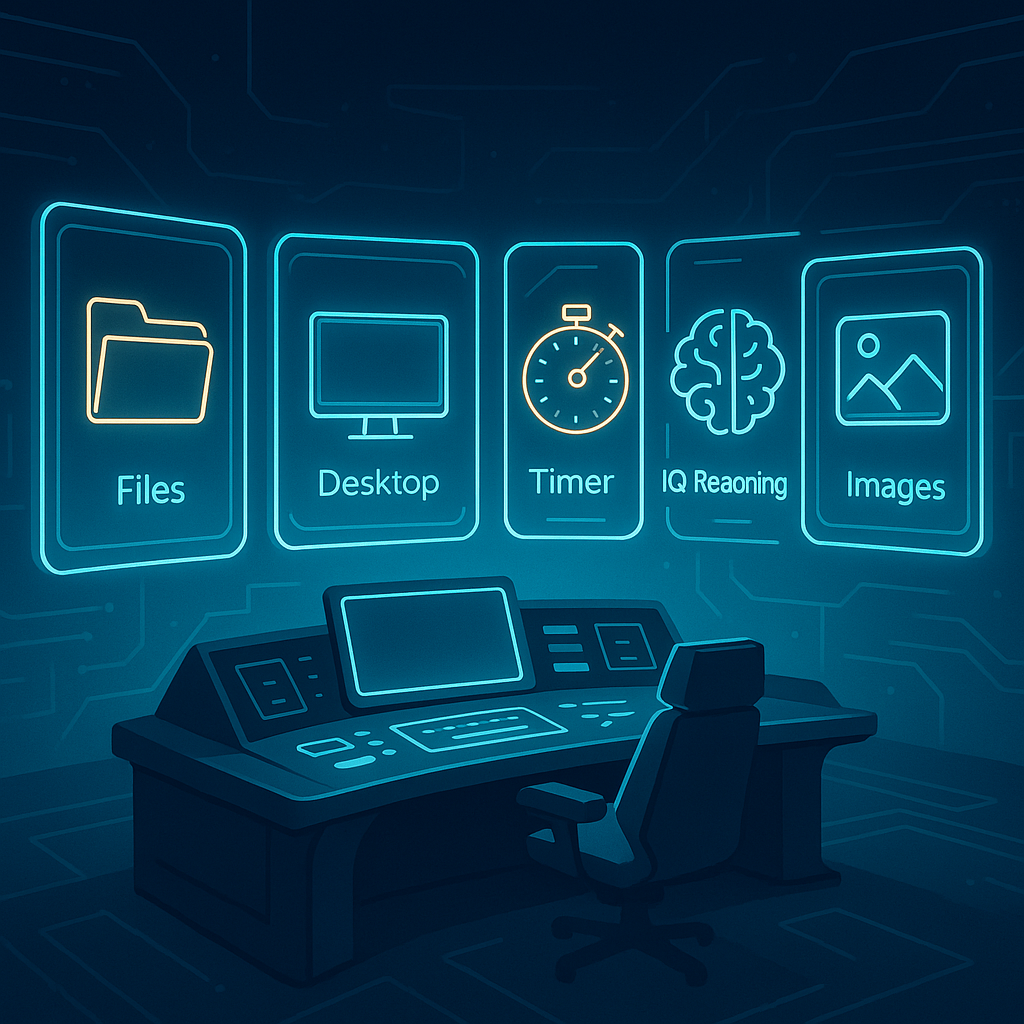
Generated sample: Manual Visual

Continue with Integrations
These image tools work not only with LM Studio, but also in other MCP clients like Roo Code, VS Code add-ons, or Codex workflows.
View Integrations